Trimble Connect - Collaborative BIM Work and Cloud Hosting
Originally published in 2017. References to events, registration, prices and professional profiles in this part of the post belong to that period. EBBIM, Empresa Brasileira de BIM, was known as TI Lab at that time.
The Trimble Connect is a service that supports collaborative BIM work and cloud hosting, developed and maintained by Trimble. The platform was built from a service called GTeam, by Gehry Technologies. This company provides, as a service, several innovations produced by architect Frank Gehry's office in the project IT sector.
The platform's highlight is offering collaboration tools so that everyone involved in a project can work together in real time. You can view models, share information, and extract reports from a single, systematized set of data.
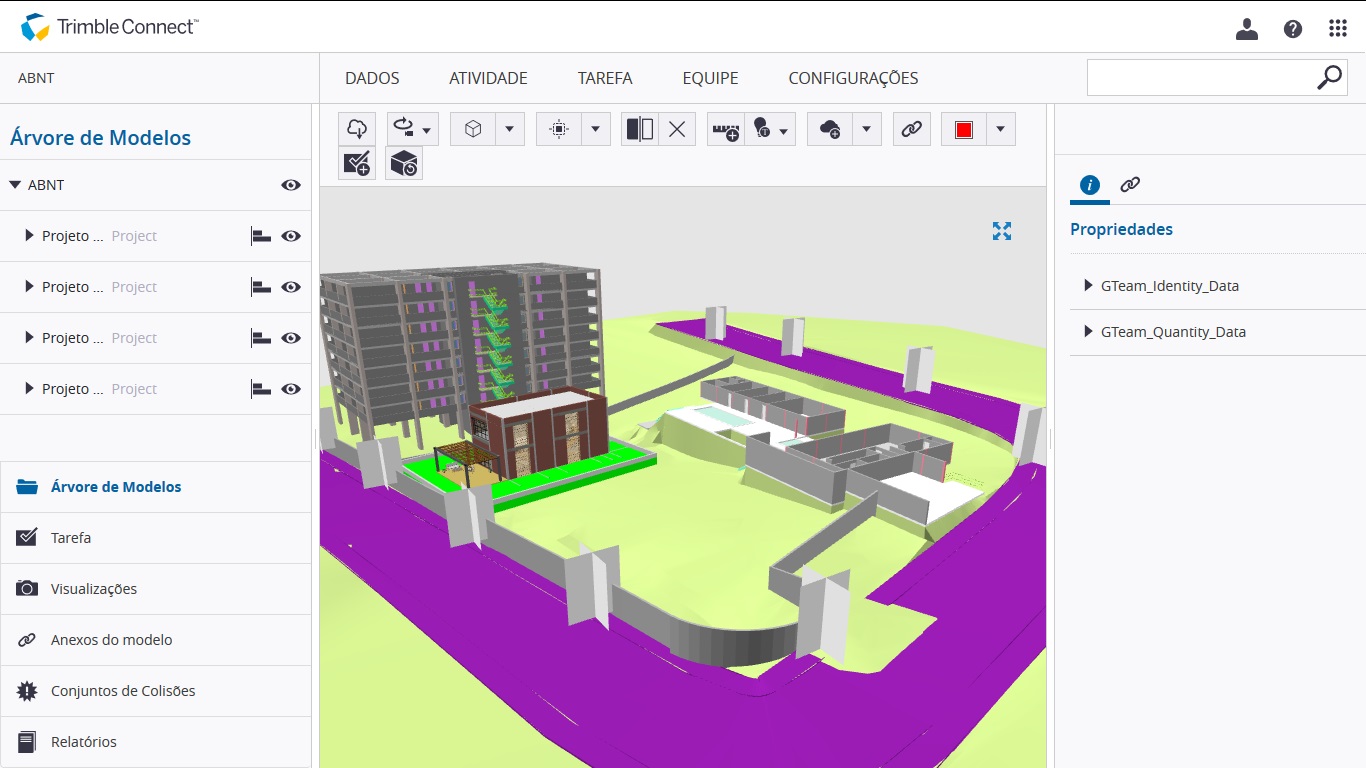
Any type of file can be shared. 3D models made in SketchUp, Revit, or converted to IFC can be viewed in real time in Trimble Connect. Other files, with .pdf, .jpg, .docx, .xlsx, and .pptx extensions, can be viewed through the browser.
For working with 3D model files, Trimble Connect has tools for visualization, annotation and review, geometry clash detection, quantity takeoff, version control, among other features.
Discover the services that complement Trimble Connect on the web
Trimble Connect isn't made up only of the service offered through the browser. There are several apps and plug-ins that are part of the ecosystem, making integration with other software easier. This way, collaboration and interoperability tend to be more effective. Among these services, we highlight:
- Trimble Connect Sync: install this application to keep a synchronized copy, on your computer, of the projects that are on the Web. TCS works similarly to Google's Backup and Sync service (formerly known as Google Drive for Desktop).
- Trimble Connect Mobile: an app for Android and iOS, where you can do almost everything that's done on the web. This includes browsing 3D models interactively and creating tasks.
- Trimble Connect for Revit: a plug-in for Revit that makes it easier to manage sending .rvt files to the web service.
- Trimble Connect for Desktop: an application that does everything the web platform does, with one difference: the data is downloaded to your computer and everything is done there. It's very useful for those who are traveling and need to work remotely, where the internet connection is poor or nonexistent. Everything done in TCD is synced with the main service whenever there's a connection.
Trimble Connect offers special integration with SketchUp Pro
Finally, special mention should be given to the Trimble Connect - SketchUp Pro connection. Since both solutions belong to the same company, there's a very well-built integration process between them.
You can download and upload files directly from SketchUp Pro, import reference models, and request updates whenever they're available. You can also view the project's task list, created in TC, right inside SketchUp, among other features.
This way, the platform becomes an extremely useful and complete tool for project coordination. By using the system, you can increase both the quality and quantity of interactions between partners and clients.
"Great! Are you going to host a webinar with more details about Trimble Connect?"
Yes! As usual, you're already invited to attend the fourth webinar about SketchUp held by EBBIM in partnership with totalCAD!
The webinar was announced for November 9, 2017, Thursday, at 2 PM.
The event was announced with a presentation by architect João Gaspar, director of EBBIM and ProBooks Editora, and Danilo Vilela, marketing director at totalCAD.
The goal is to demonstrate how to use Trimble Connect in a collaborative project workflow with SketchUp Pro!
The original invitation offered viewing online, through the Go To Meeting system, or in person, at EBBIM.
Attendance is free, but spots were advertised as limited.
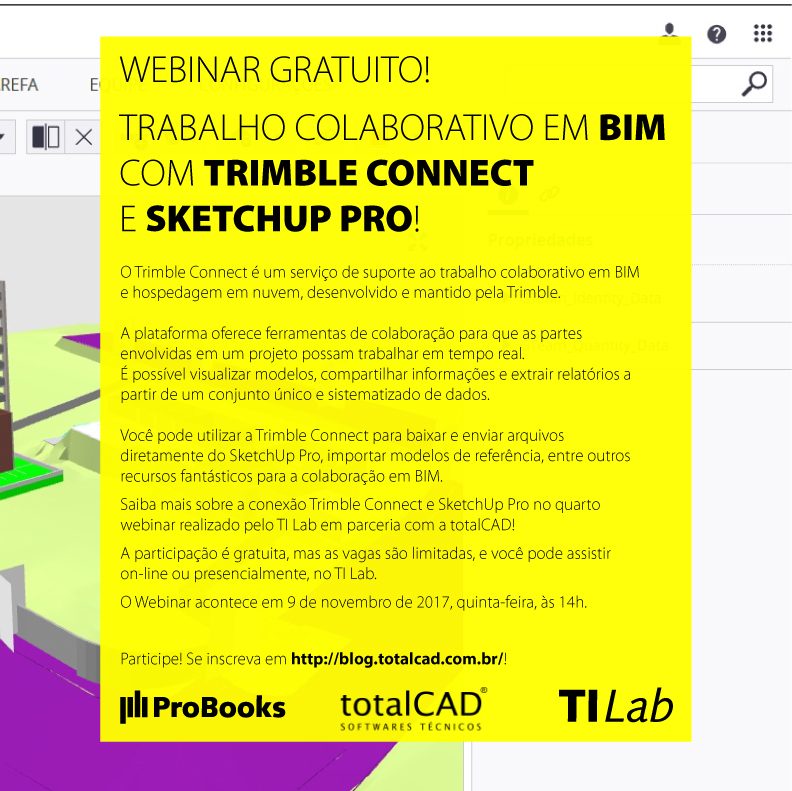
Invitation from the original announcement.
Sign up through the totalCAD blog: http://blog.totalcad.com.br/webinar-gratuito-trimble-connect/
Check out the full playlist below
Watch Collaborative work with Trimble Connect and SketchUp Pro on YouTube
See more!
Remember IFC attributes? They can also be used to generate reports in SketchUp and use them in LayOut, as we explained in this post!
Did you like it? We also have the SketchUp LayOut Step by Step book, so you can learn all this and much more, in print or eBook version!
Would you like to deepen your knowledge of BIM project collaboration and coordination? Explore EBBIM’s Curso Trimble Connect para colaboração e coordenação de projetos em BIM. The training covers document management, model review, BCF communication and coordination in Trimble Connect, complementing the topic of this post.




















