Digital Fabrication - 3D Model Printing

Over the years, SketchUp has become increasingly popular among all kinds of people interested in producing real physical objects. You can use SketchUp to create paper templates, cutting patterns for sheet materials, as well as models for 3D printers. We've previously covered the Slicer plugin (for slicing a model into individual pieces) and Papekura Designer (which helps unfold models and turn them into paper models).
The use of new digital fabrication technologies to turn 3D models (from SketchUp or another 3D modeler) into prototypes and real objects is becoming increasingly common. The SketchUp team itself developed the SketchUp STL plugin, which allows importing and exporting files in .STL format, mainly used to bridge communication between modeling software and 3D printers. Once you install the plugin, SketchUp can import .STL files through the main menu. It can be downloaded from the Extension Warehouse.
There are several companies specialized in prototyping for a wide range of uses (models, prototypes for the medical field, product design, among others).
Some of these companies even let you upload your 3D models and sell them as physical objects through their websites. Here are a few examples:
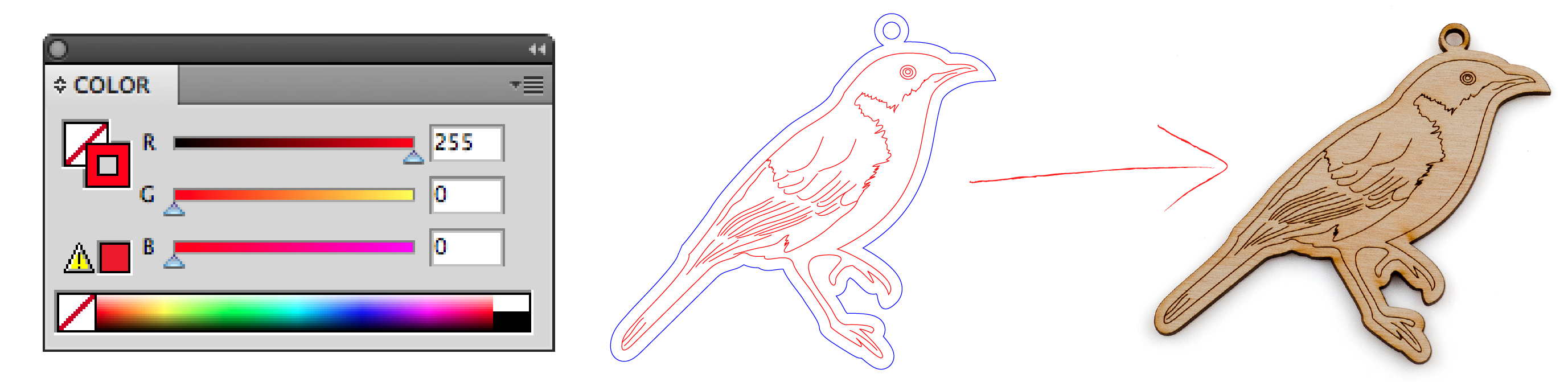
Ponoko (www.ponoko.com). With offices in New Zealand, the United States, Germany, England, and Italy, Ponoko produces and sells prototypes based on 2D or 3D files modeled in various software.
For 2D files, the accepted extensions are .EPS and .SVG. Cut lines and etching lines must be on different layers, since the files will be printed on a milling machine, which can use materials such as cardboard, felt, leather, acrylic, metal, cork, and various types of wood. Printing prices vary depending on the size of the sheet or panel used and the time required for production, which is based on the complexity of the design, ranging from $0.50 to $280 per panel. Keep in mind that the more lines there are in the design, the longer it will take to produce, which in turn makes it more expensive.
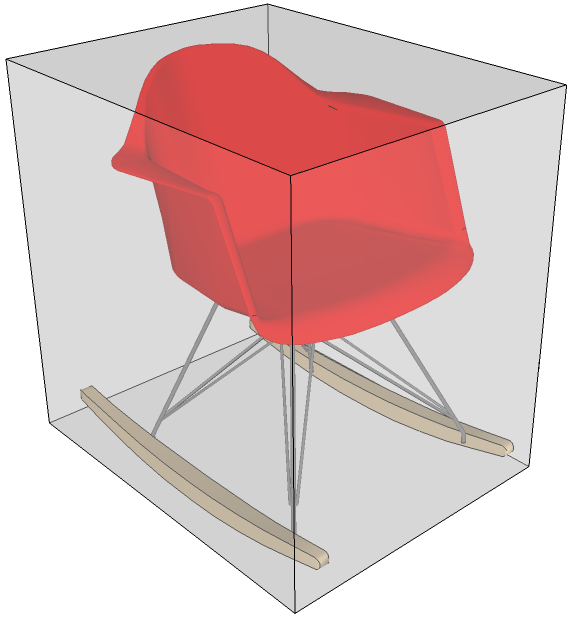
3D files can be modeled in SketchUp or in any other software, as long as they are exported to .STL, .DAE, or .VMRL formats. Remember that your file must have the final prototype's measurements matching the maximum dimensions stated on the site. So, you'll very likely need to scale your model so it fits a size compatible with the company's printers. Material costs range from US$2 to US$15 per cm³; this amount is calculated based on the quantity of material used, including waste.
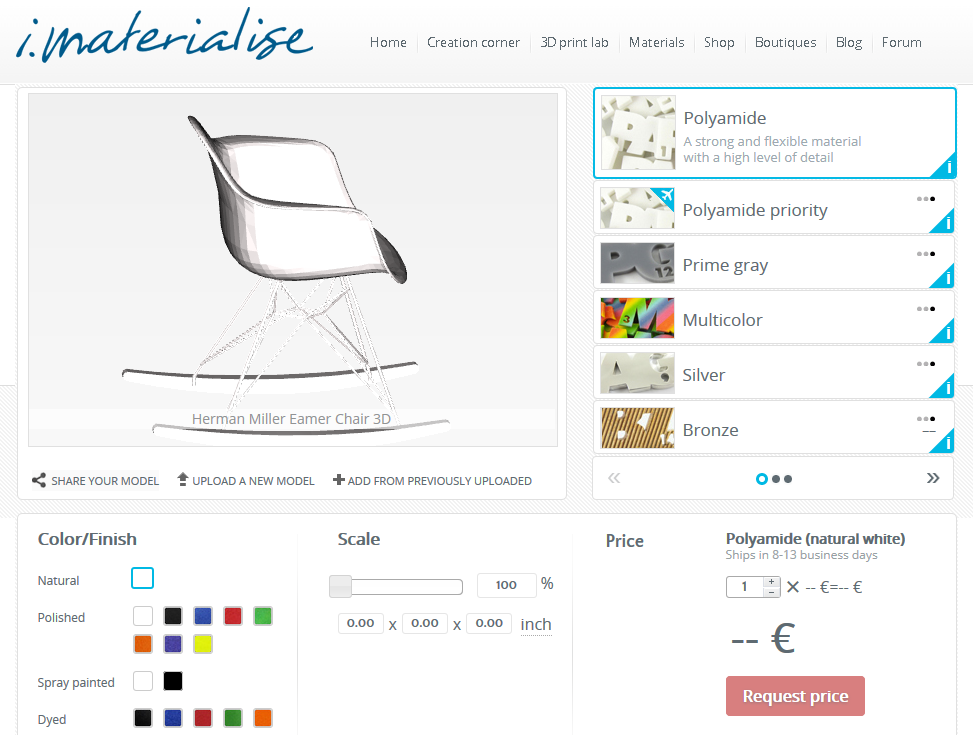
i.materialise (i.materialise.com): The Belgian company i.materialize offers 3D model printing services in a variety of materials (polyamide, rubber, stainless steel, bronze, titanium, ceramic, among others) with many finish and color options. Just upload a 3D file in a popular format, such as .OBJ or .3DS, choose the finish and final scale. The site lets you sell the objects you create in its online store; printing prices vary depending on the material used and the complexity and size of the model. You can request a sample of the materials before producing your own object.
Imprima3D (www.imprima3d.com): Just like i.materialize, this Brazilian site also produces and sells 3D models, but the prototyping process is done on an additive 3D printer, meaning the printer uses a resin as its base material in a layer-by-layer method until the prototype is complete. Once created, the 3D model file must be exported as .STL

The prices mentioned above are from February 2015.
Bibliographic reference:
GASPAR, João. SketchUp Pro Avançado. São Paulo: ProBooks, 2015
Historical references: the links below lead to copies of the original pages preserved by the Internet Archive. Downloads, forms and registration on these copies may not work; these references are retained as a record of the publication period.
- Impressão 3D e Prototipagem | Imprima3D — 09/09/2019




















