Pepakura
Pepakura is a Japanese software that helps unfold 3D models from various programs (including SketchUp). Around the drawings that represent the unfolded model, Pepakura draws tabs, to make it easier to assemble the object after it's printed. The software is capable of reading .DXF, .OBJ, .3DS, and .KMZ files.
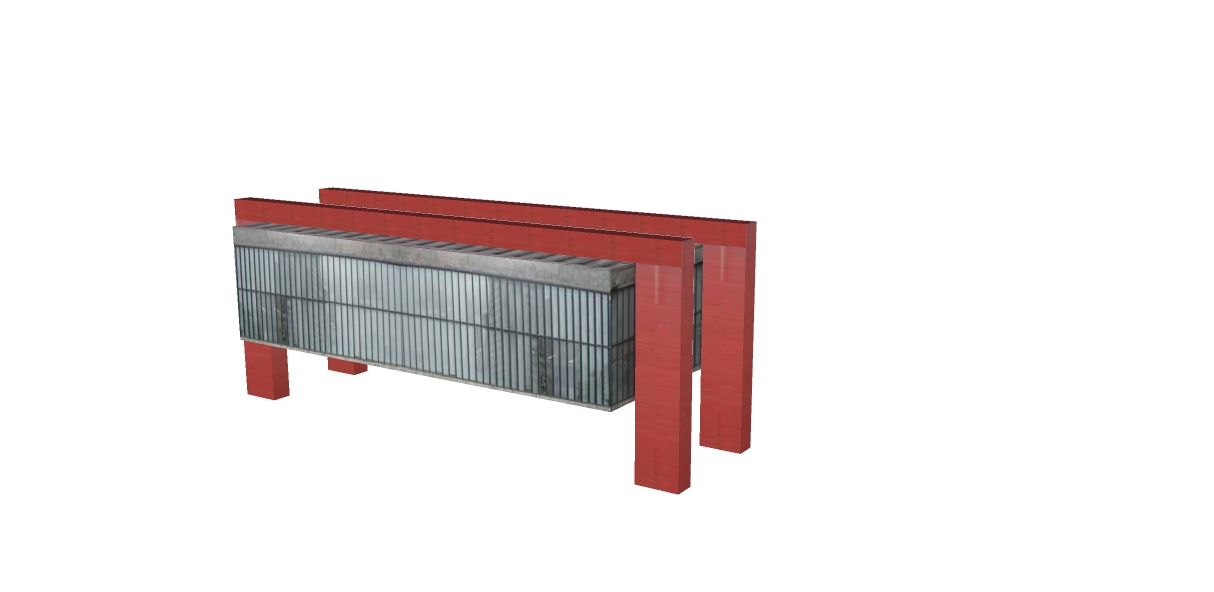
Pepakura reads .DXF, .OBJ, .3ds, and .KMZ files (a Google Earth file, but unfortunately the only format Pepakura supports is SketchUp 6 or earlier). As a basic example, I took a very simple model of the MASP from the 3D Warehouse.
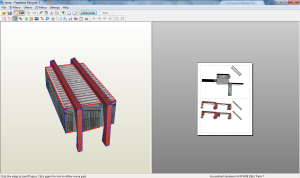 The model being simple has a reason; when we unfold a model, the more curved and complex the drawing is, the more work it will take to assemble the model. It's not impossible to do this—just search the internet to see incredible things people make with Pepakura—but when you export something to Pepakura, don't forget that you're the one who's going to assemble it.
When you open a SketchUp model in Pepakura, the applied materials are kept, which helps make the model look nicer, and this reduces the need to draw certain details, for example. You can easily set the print scale, to create models of any size.
The software license costs US$38.00 and can be downloaded at: https://pepakura.tamasoft.co.jp/pepakura_designer/
Bibliographic reference:
GASPAR, João. SketchUp Pro Avançado. São Paulo: ProBooks, 2015




















