How to Connect Lines Without Using Plugins and Without the Fillet Command
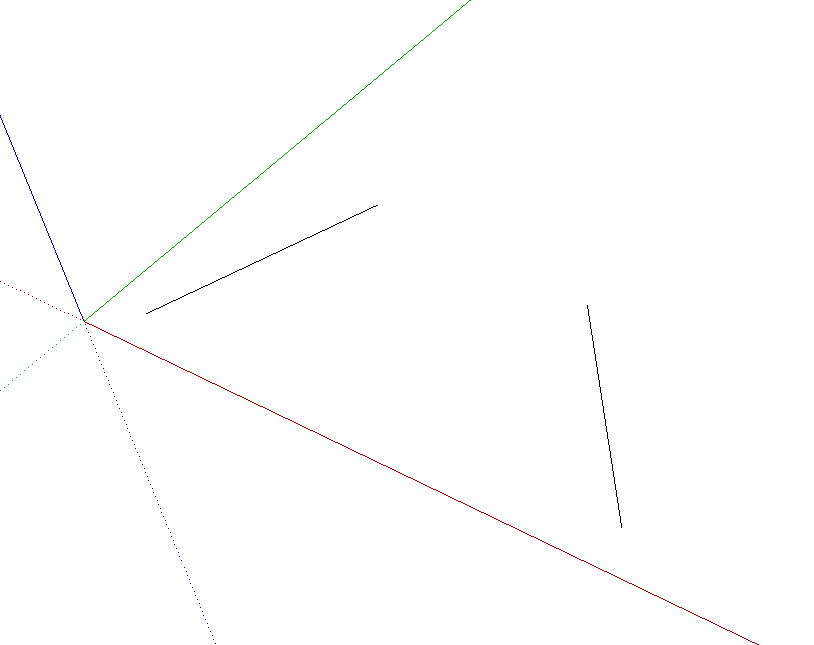
SketchUp has a drawing aid called inference. With this feature, you can identify the endpoints and midpoint of a line, draw parallel and perpendicular lines, draw tangent arcs, among other things.
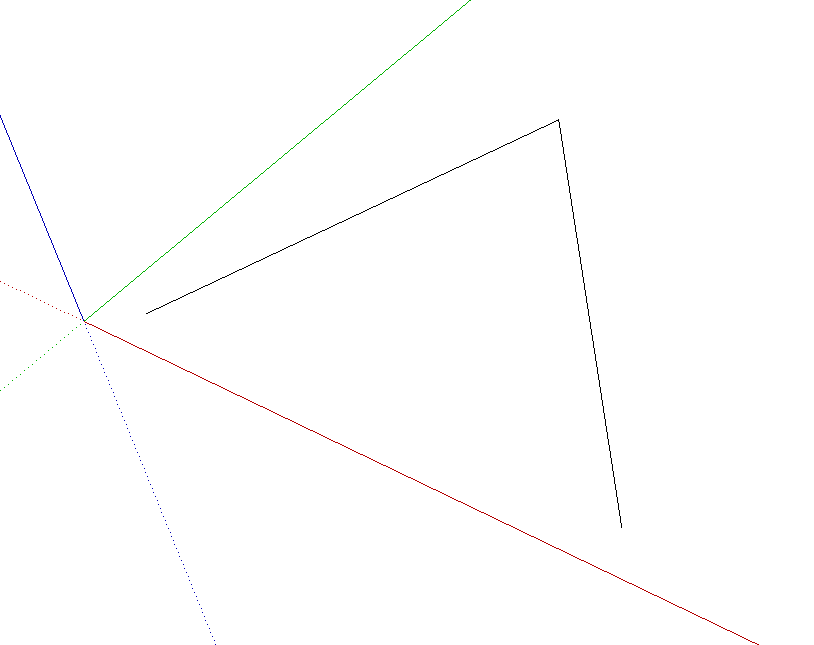
Using inference, you can extend two lines, stretching them to their intersection point, similar to the Fillet command (with radius 0), found in other programs.
To join the lines in the image above, use the Line (Line) tool to click on the endpoint you want to extend; move the mouse until the line turns pink (magenta), indicating that the edge will be parallel. Press Shift to lock the line in that direction.
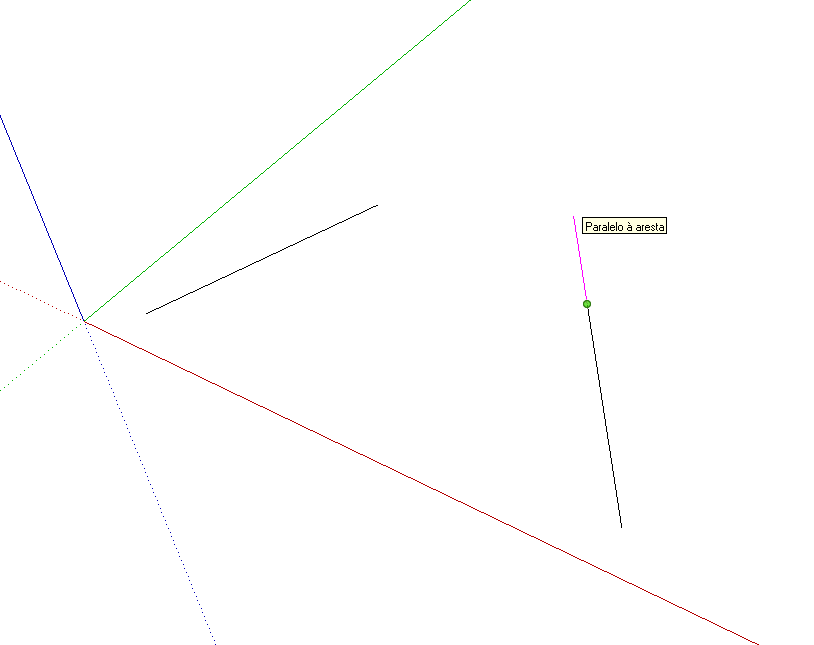
Then, move the mouse to some part of the other line that is not one of its endpoints and click.
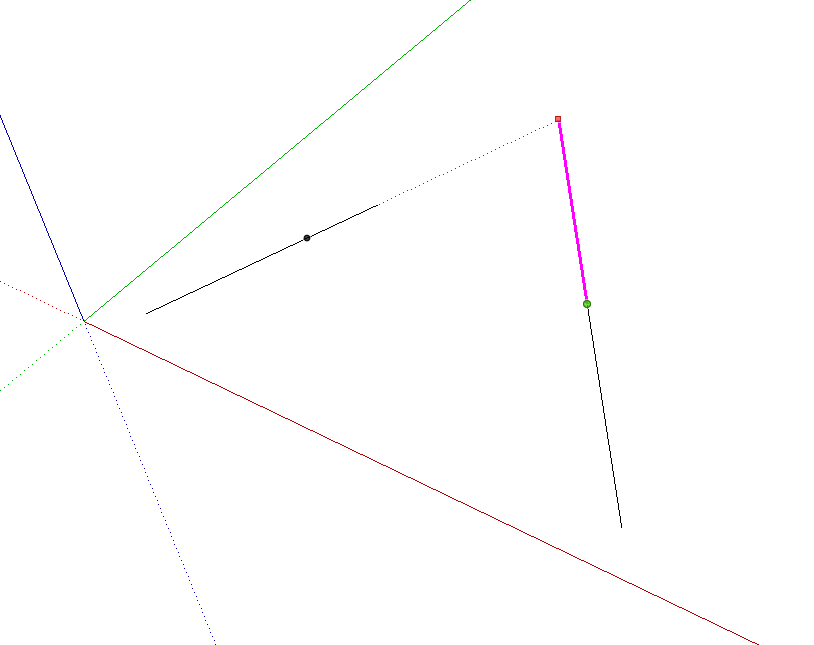
Now draw the other line to join them.
Would you like to deepen your knowledge of modeling and organizing projects in SketchUp? Explore EBBIM’s Curso SketchUp Pro do Básico ao Avançado. The training covers modeling sites and buildings, components, materials and scenes, complementing the topic of this post.




















