SKP5D - Online Virtual Reality for SketchUp
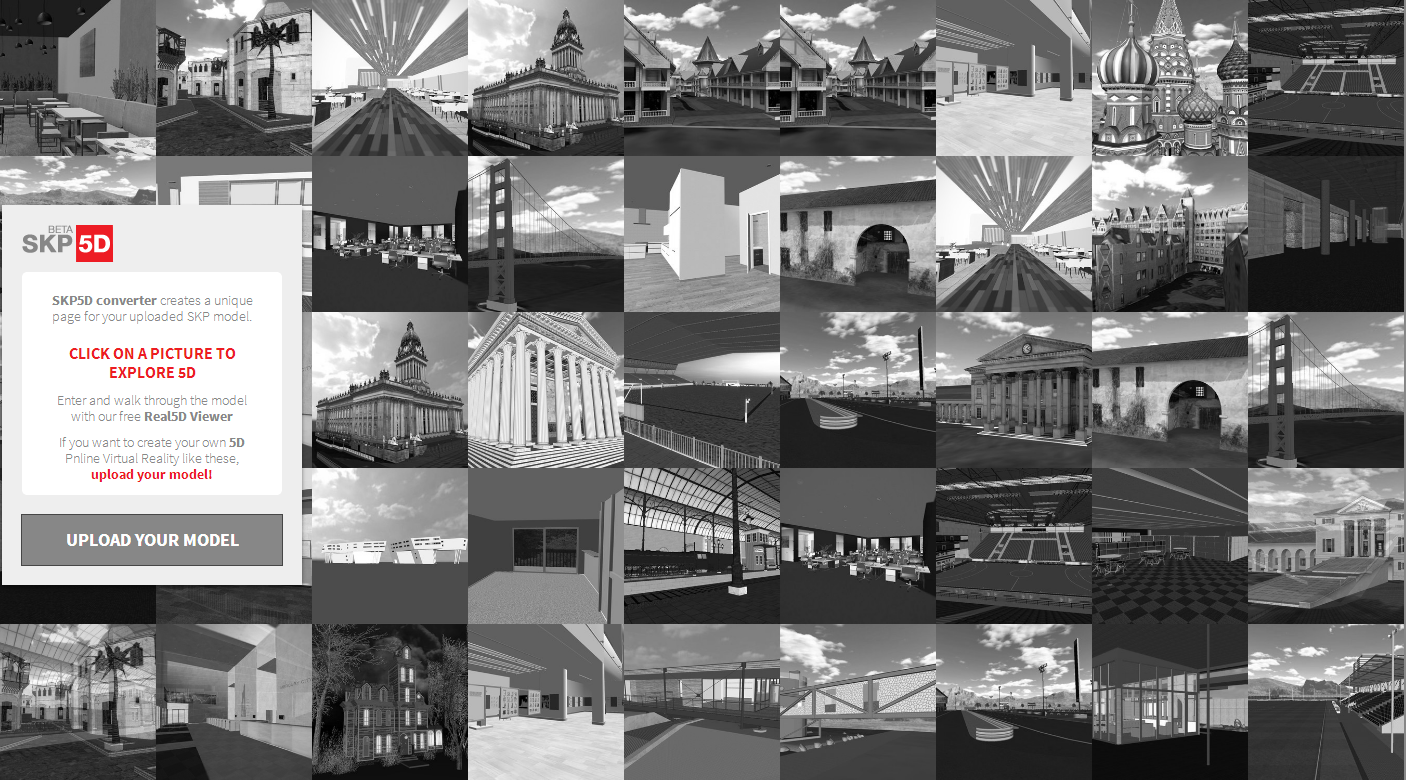
The company Real5D uses virtual reality to present projects based on digital models. In a lightweight piece of software, and now also in an online version for files created in SketchUp, the user takes control of an avatar (a virtual character) to walk around a building or through its interior spaces.
 With an interface very similar to video games, the keys for walking and jumping are the same. Use the W A S D keys to walk, Shift to run, and the space bar to jump. To rotate the viewer's perspective, use the right mouse button. Users can also interact with other online users in the same project. Use the Chat (messages) or a microphone to talk with other users. An avatar can also wave at another by pressing the E key.
There are already some projects available for online demonstration, such as projects by the OMA office in Rotterdam and by Erick van Egeraat in Denmark, but any project made in SketchUp can be uploaded online and shared via a link generated by the site itself. Uploading the 3D model to the site is quite easy. Just upload the file with the .skp extension and set the name, location, and preview image.
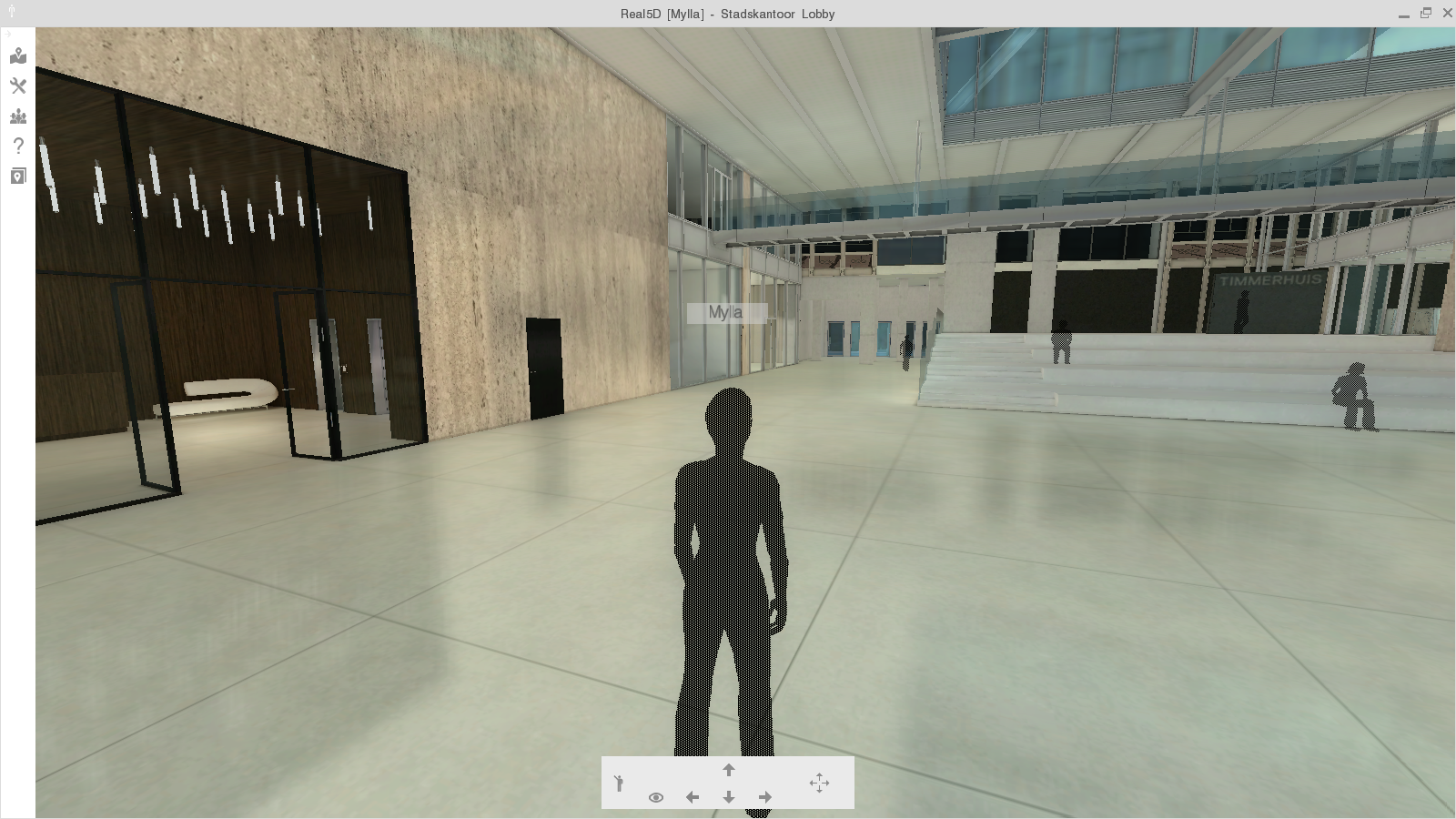
The site itself converts the file. However, the file needs some adjustments to make the most of the virtual tour. Since the controls are similar to a video game rather than SketchUp's own commands, the avatar cannot pass through walls or objects, for example, so passageways need to be at least 60cm wide.
It's important that all components or groups be visible in the file. In other words, the layers that contain important objects must be active in the saved file, because if they're turned off, they will be ignored during the file conversion.
The image rendering is inferior to any current video game, since it uses a style similar to SketchUp's "Shaded with Textures," and cast shadows and projected edges are turned off. In other words, it becomes difficult to distinguish faces that share the same texture or color. It is possible to add light and reflection points to objects using LightMap.
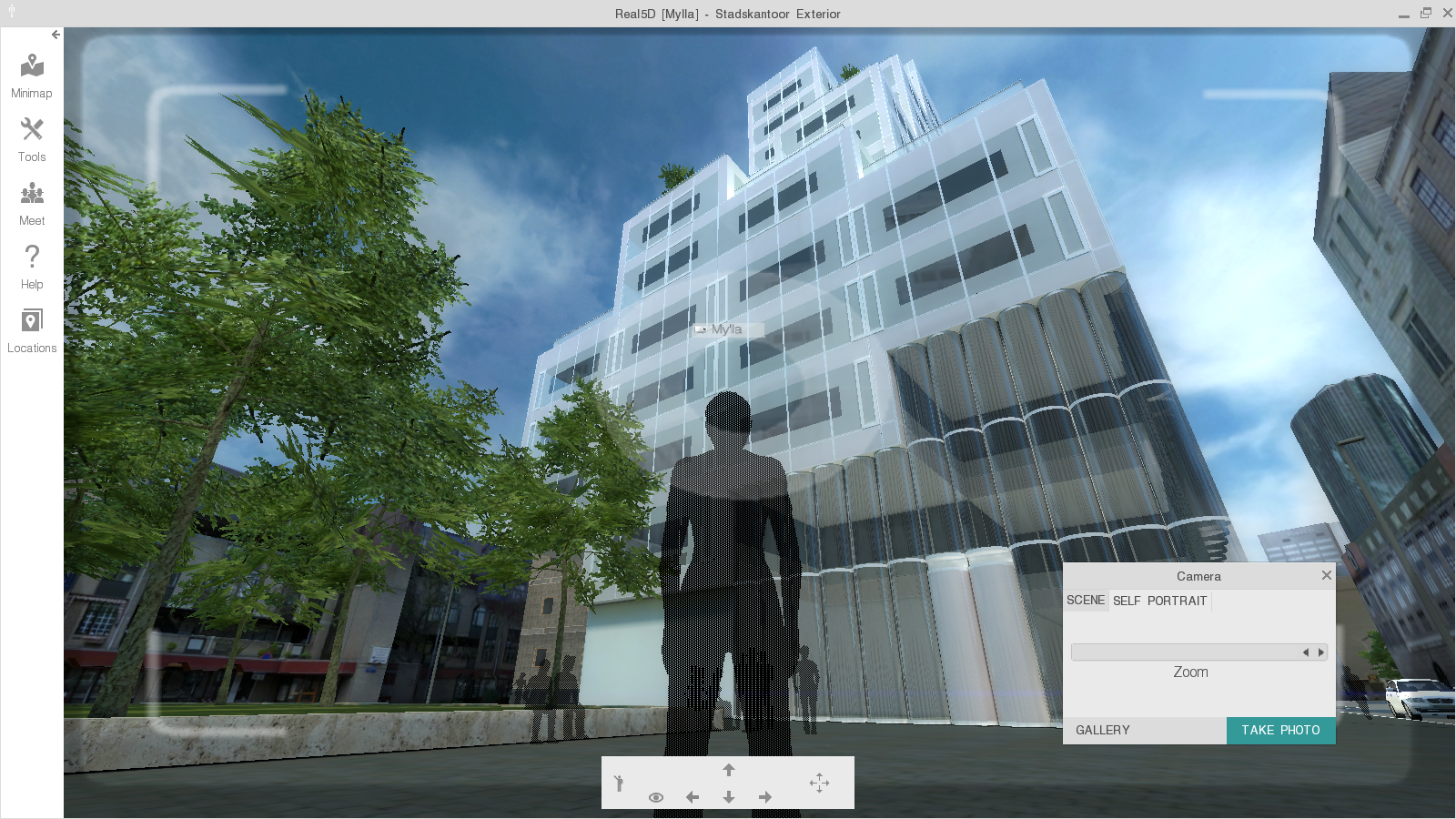
There are also other very useful tools while you're on the virtual tour. For example, the "Ruler" tool lets the user measure distances; "Change materials" introduces color or texture variations for certain objects; and the "Camera" option lets you take Snapshots (photos) of the tour.
Until February 2014, the service, offered by the company Real 5D Inc., was free. The
company, based in California, initially developed this technology to serve the local real estate market, and in 2013 decided to expand the offering to the SketchUp community and users of other software. Real5D also imports files from 3DS Max, Rhinoceros, ArchiCAD, and Revit. The link to try out the system is http://real5d.com.
Would you like to deepen your knowledge of modeling and organizing projects in SketchUp? Explore EBBIM’s Curso SketchUp Pro do Básico ao Avançado. The training covers modeling sites and buildings, components, materials and scenes, complementing the topic of this post.




















