How to Fix the Entrance of a House on a Slope Using the Sandbox
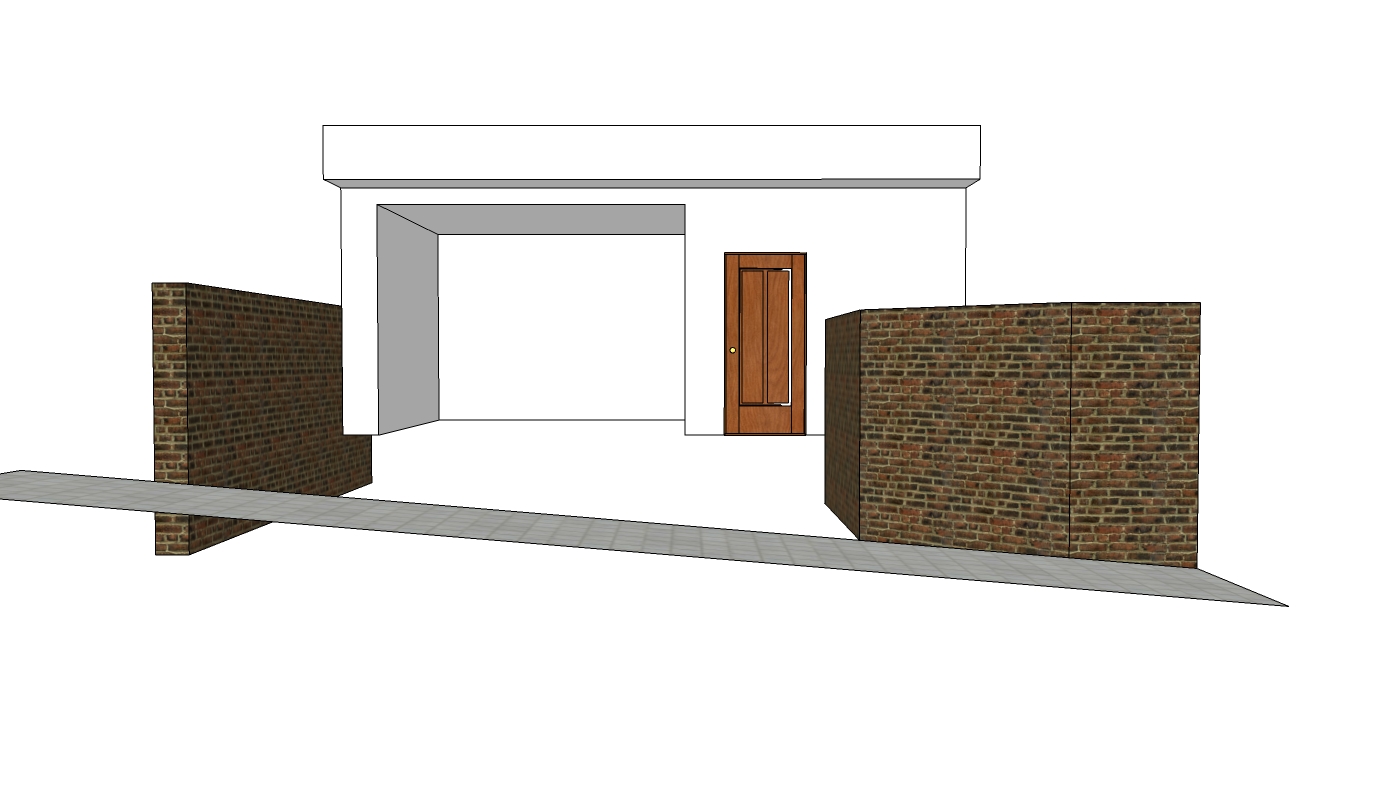
Learn how to create a terrain slope in SketchUp
In this post you'll see how simple it is to use the From Contours tool from the Sandbox to create a sloped terrain. The following example deals with the entrance of a house with a garage on a sloped street—a classic case!
Assuming the situation above, you need to draw the terrain's outline with the Line tool. If needed, you can also use other basic drawing tools such as Arc. See the drawn outline below.
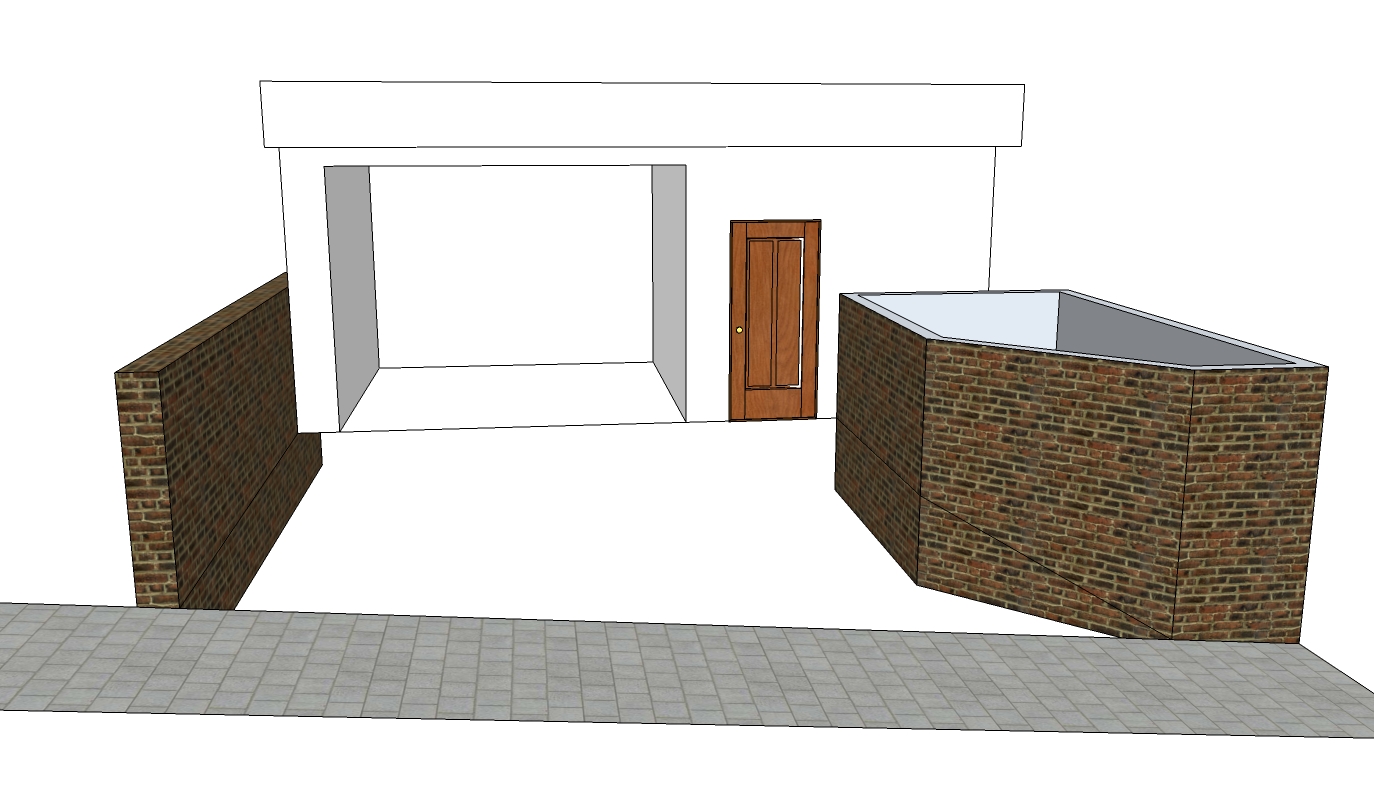
After drawing the outline, select the lines and click the From Contours tool, and notice that the terrain has been created.
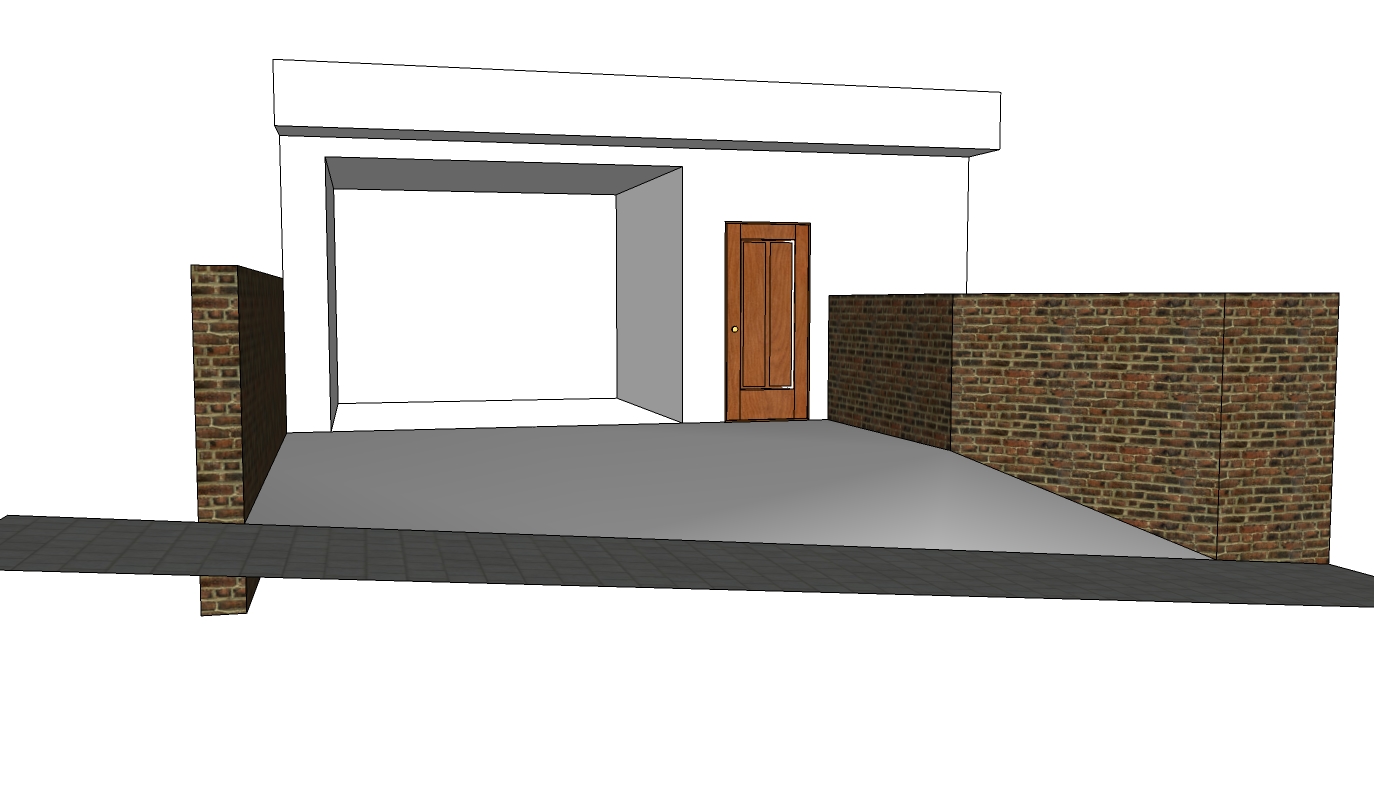
Do you have another suggestion for a simple and practical use of the Sandbox tools? Share it with everyone, through the comments or by getting in touch with us!
Would you like to deepen your knowledge of modeling and organizing projects in SketchUp? Explore EBBIM’s Curso SketchUp Pro do Básico ao Avançado. The training covers modeling sites and buildings, components, materials and scenes, complementing the topic of this post.




















