How to Draw Using a Plane as Reference
·1 min read
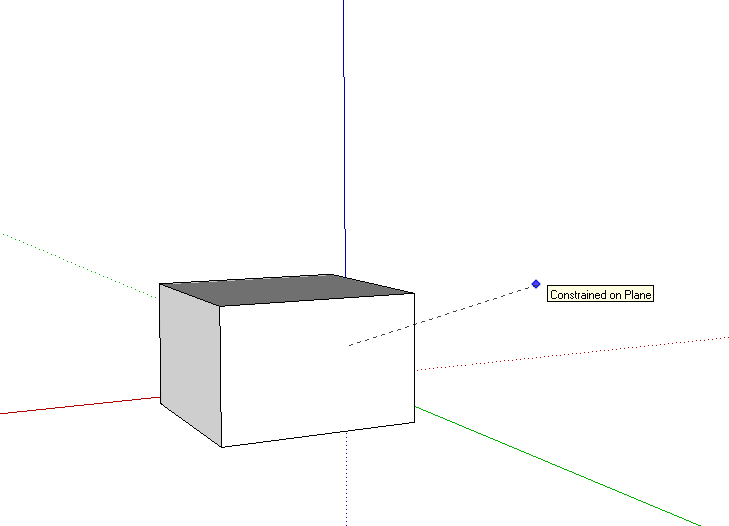
 Who has never struggled trying to make a rectangle perpendicular to the ground in SketchUp?
A good tip, not very well known, is to use an already-drawn face as a reference to make a drawing coplanar to that face.
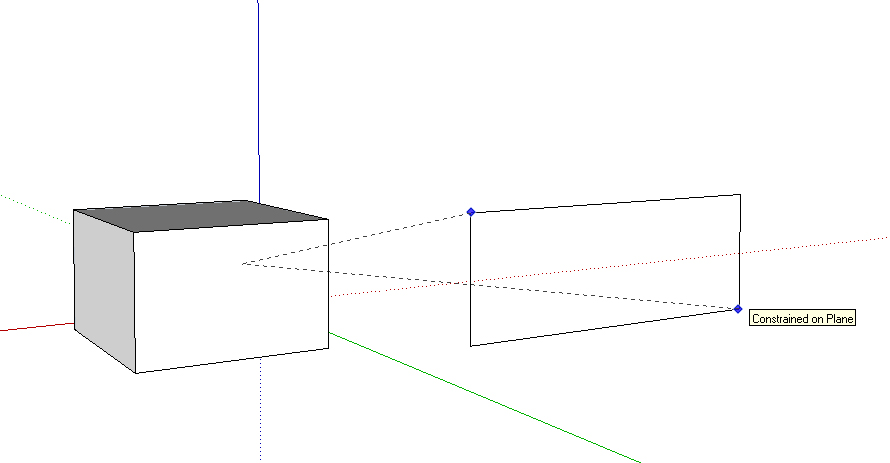
To do this, just hold down shift over a face, while using the drawing tool you want (rectangle, line, or arc), and move the mouse to where you want to start drawing.
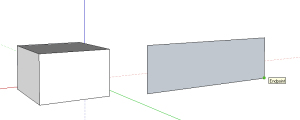
Without releasing shift, draw normally, and that's it—you have a drawing coplanar to the reference face.
Would you like to deepen your knowledge of modeling and organizing projects in SketchUp? Explore EBBIM’s Curso SketchUp Pro do Básico ao Avançado. The training covers modeling sites and buildings, components, materials and scenes, complementing the topic of this post.




















