Budgets Directly From SketchUp With the bim.bon Plugin
Originally published in 2012, this post records how bim.bon worked at that time. Unfortunately, the original links to this plug-in are no longer active. We could have removed the post, but decided to keep it online because we believe it is important to preserve a record of how this worked at the time of publication.
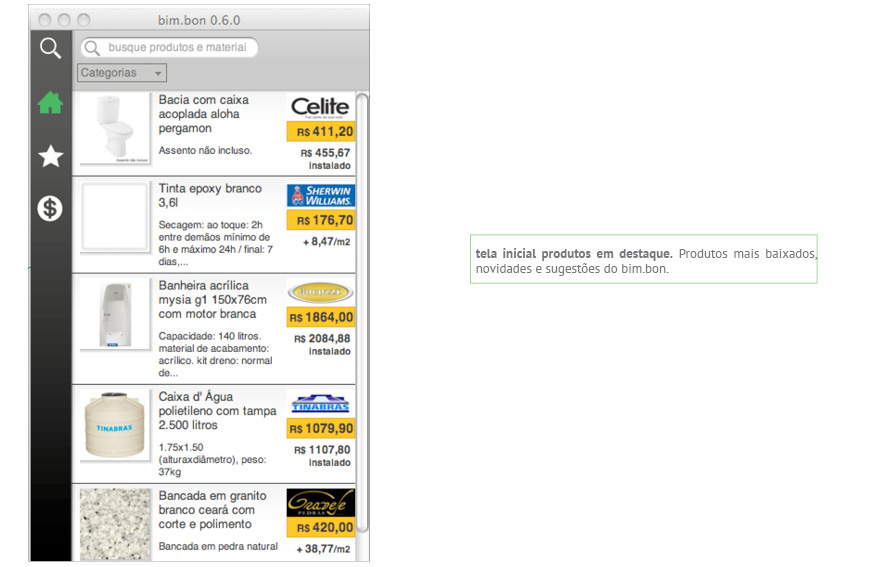
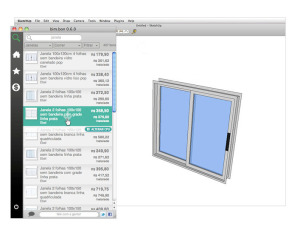
bim.bon is a SketchUp plugin created by the Superfície.org studio, from Belo Horizonte. One of bim.bon's main features is its object search tool, which works similarly to the 3D Warehouse (3D Warehouse). The difference — in favor of Minas Gerais — is that bim.bon's objects come with several pieces of associated information (manufacturer, model, price, and others).
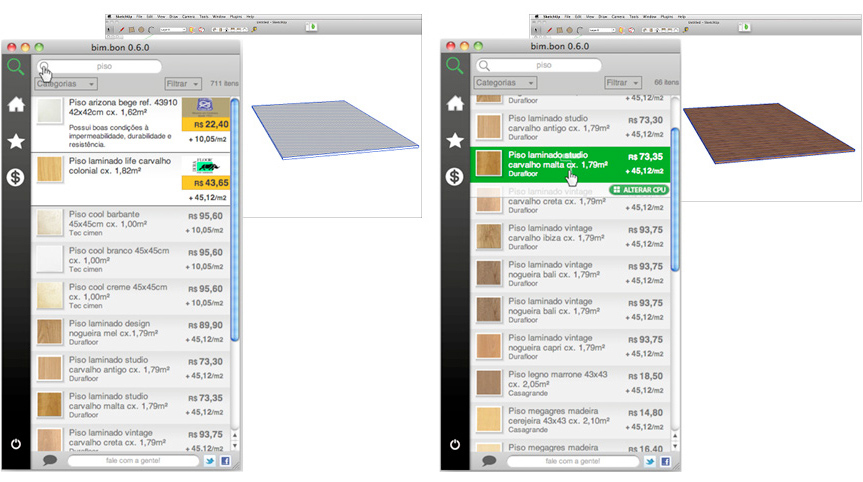 A cool thing is that you can also use bim.bon to register components that you made yourself, or imported from elsewhere, so they get included in the plugin's budget tables.
The plugin also registers materials (textures) and uses the area information of painted faces to build budgets. This way you know the area of the different floors, walls, finishes, and whatever else exists in your drawing.
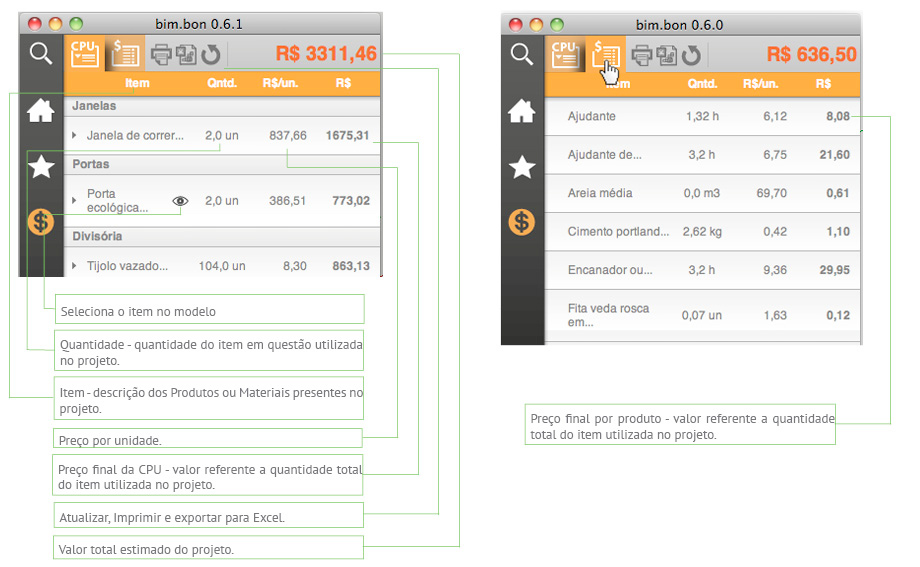 The counting of objects and areas is handled by a really nice table system. As is standard with these systems, any updates to your model are reflected in the quantities and values shown by bim.bon.
The data obtained from the system can be exported to Excel, or Google Docs.
 Besides being an extremely useful and functional tool from a technical standpoint, two aspects are worth highlighting:
- The care taken with the platform's visual appearance (including dialog windows, texts, site layout, etc.) is noteworthy, and shows the team's seriousness and commitment to their product.
- It's a SketchUp plugin developed in Brazil, in line with the reality of our construction processes, and it seems far superior to other quantification and table plugins you find on the internet.
This blog's team hopes the plugin keeps developing and becomes increasingly used by everyone who works with SketchUp!
*The images in this post were taken directly from the bim.bon site's tutorial.
This content was taken from the book SketchUp Pro Avançado, from Editora ProBooks, second edition of 2011, reprinted in 2015, written by João Gaspar. You can visit the current book page at ProBooks!
Would you like to deepen your knowledge of using SketchUp in BIM workflows? Explore EBBIM’s Curso SketchUp Pro para BIM. The training covers model structure, component properties, IFC exchange and LayOut documentation, complementing the topic of this post.




















