Joining “Broken” Lines in SketchUp
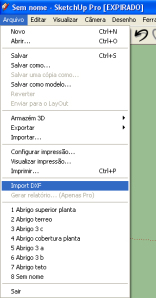
When we draw lines in SketchUp, we can notice that there's no line overlap; in other words, if we draw two lines exactly the same length and in the same position, they become a single line. But when we draw lines of different lengths on top of one another, they split, becoming "broken".
Today's tip is how to reconstitute the line so it becomes a single one again.
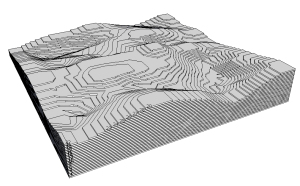 Why join a line?! Simply so we don't lose the endpoint and midpoint references of the lines that help us during modeling.
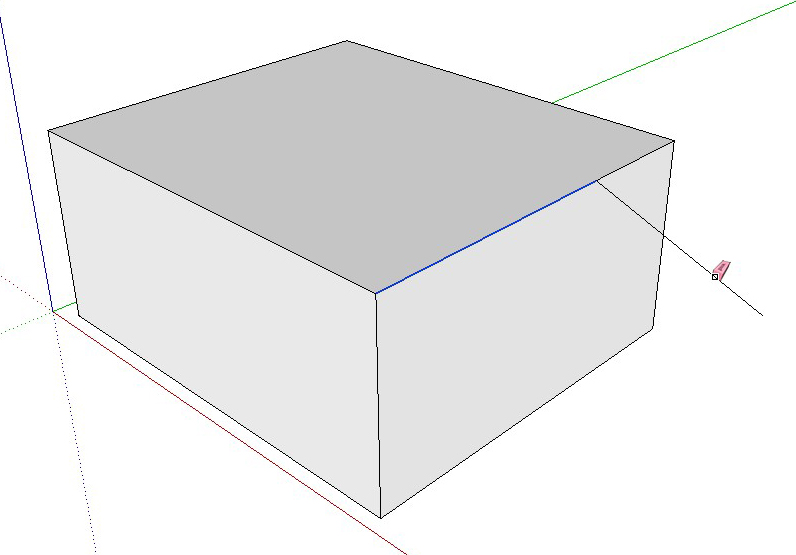
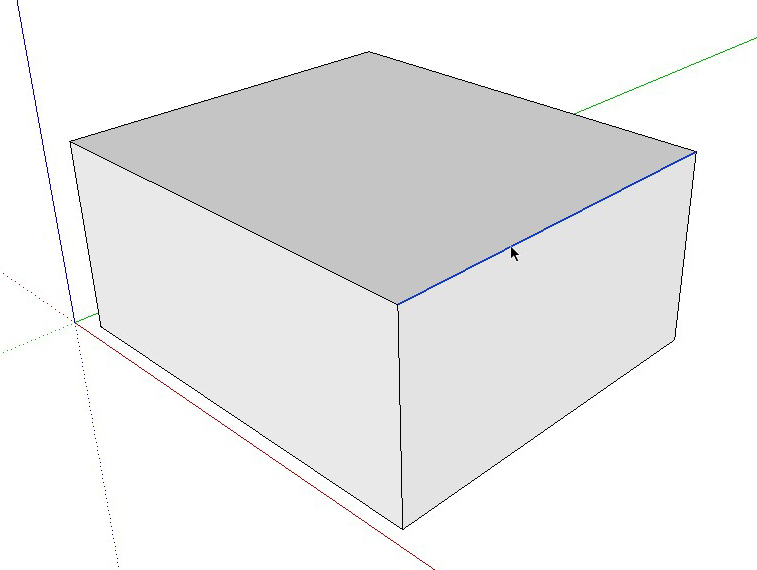
To do this, just draw a line in any position starting from the point where the lines to be joined meet, and then erase it. Done, you have a single line again!
Would you like to deepen your knowledge of modeling and organizing projects in SketchUp? Explore EBBIM’s Curso SketchUp Pro do Básico ao Avançado. The training covers modeling sites and buildings, components, materials and scenes, complementing the topic of this post.




















