Create Automatic Roofs with the Instant Roof Plugin
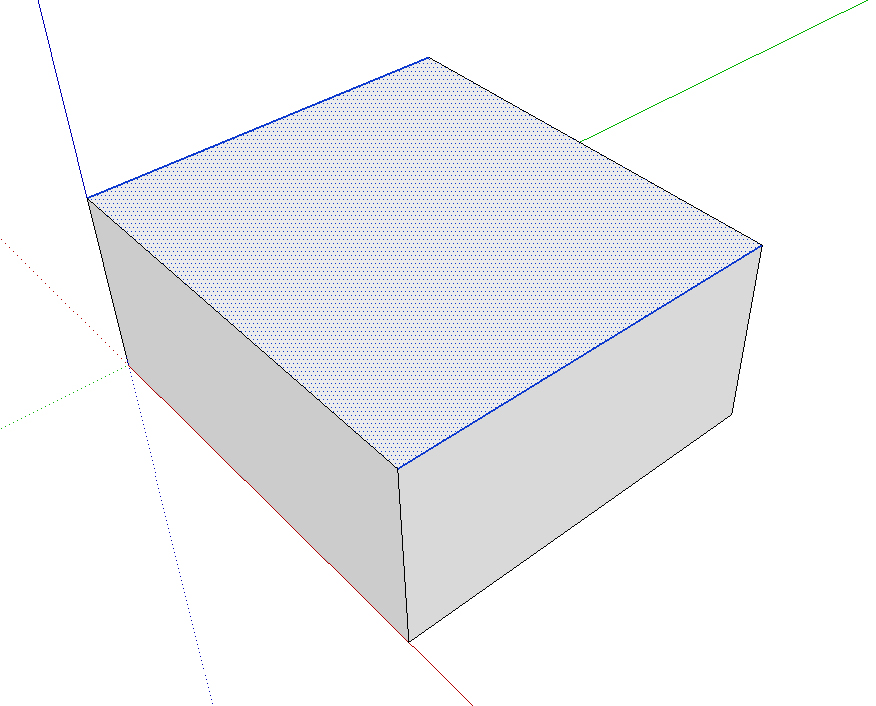
Instant Roof is a plugin that will make architects' lives much easier, because it helps create roofs of the most varied types.
For the plugin to build the roof, you need to select a flat face, and the edges that mark out the parts where it will be open.
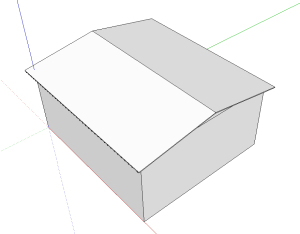
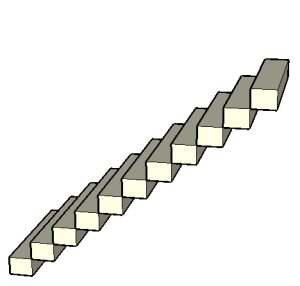
After choosing the edges, all that's left is to use the plugin to create the roof.
First you'll choose one of the roof types; the plugin's defaults are classic American styles, but you can create a new style.
The roof configuration options are very simple, but you need basic architectural vocabulary in English (nothing a quick internet search can't solve).
The plugin is paid and a bit pricey, at 39 dollars; in the free version, the limitation is fewer options for creating roofs, but it already helps a lot.
The website is quite thorough and includes a well-explained PDF manual for the plugin.
Click here to check out the Instant Roof plugin!
Would you like to deepen your knowledge of modeling and organizing projects in SketchUp? Explore EBBIM’s Curso SketchUp Pro do Básico ao Avançado. The training covers modeling sites and buildings, components, materials and scenes, complementing the topic of this post.




















