How to Create Flooring Materials With Grout Lines in SketchUp
Learn how to make a more realistic floor without rendering!
Follow the tutorial below to learn how that flooring texture you like (but that has no grout) can be used to easily and quickly create another one, with the grout you want!
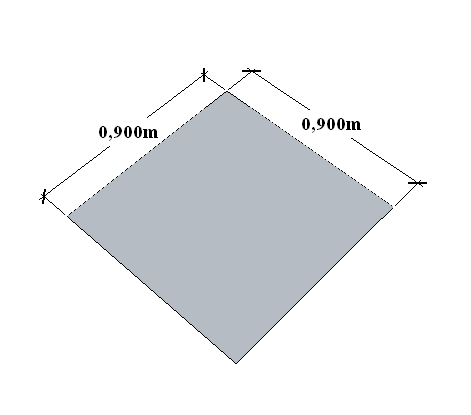
Create a rectangle with the dimensions of the floor tile.
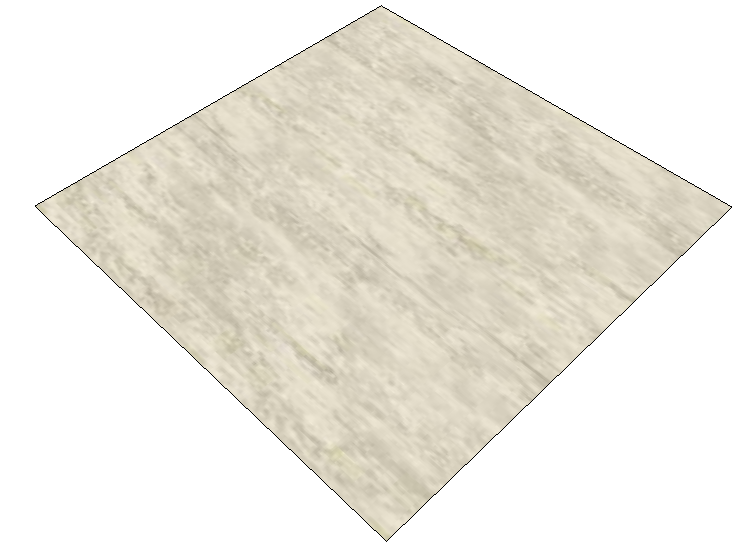
Import the image of your flooring as a texture and apply it to the drawn face.
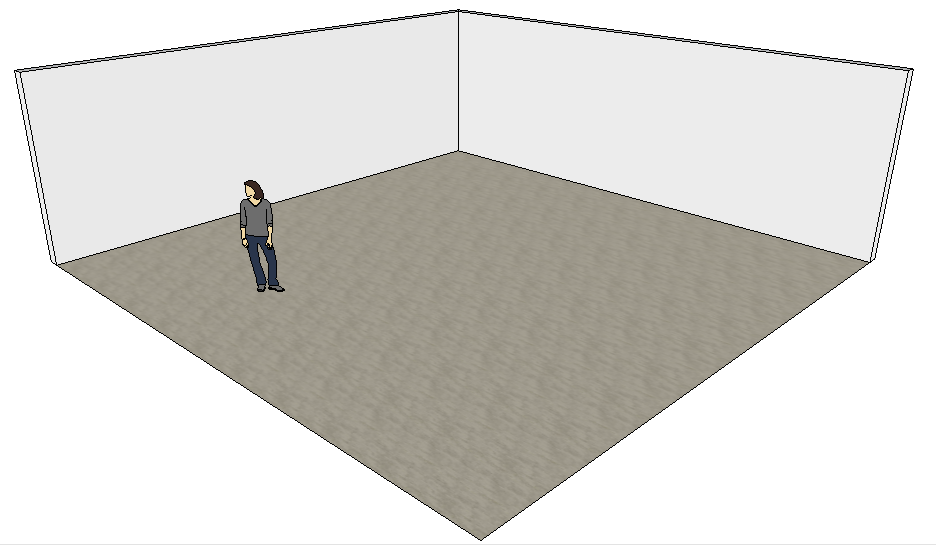
Select the material with the eyedropper and apply it to the floor. Notice that the flooring's grout doesn't get marked, making it look like a single tile.
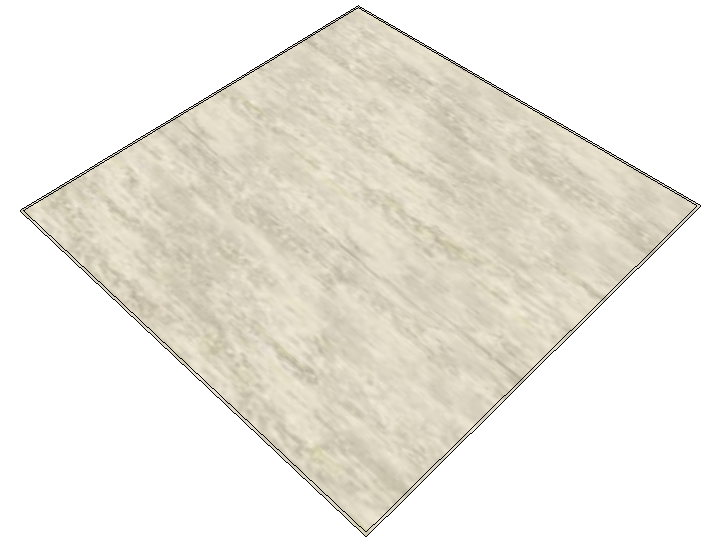
To mark the flooring's grout, use the Deslocamento (Offset) tool with the grout thickness (+/- 0.005m).
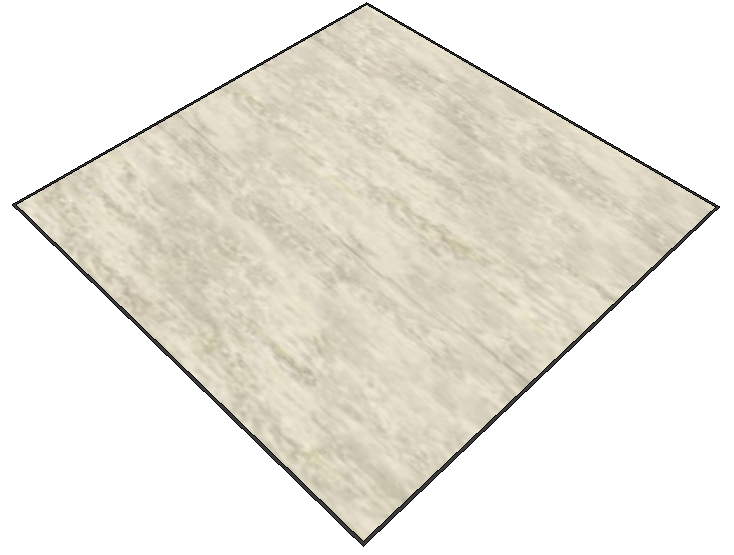
Apply a material to the grout part; then, select both faces, right-click, and choose the Combinar Texturas (Combine Textures) option.
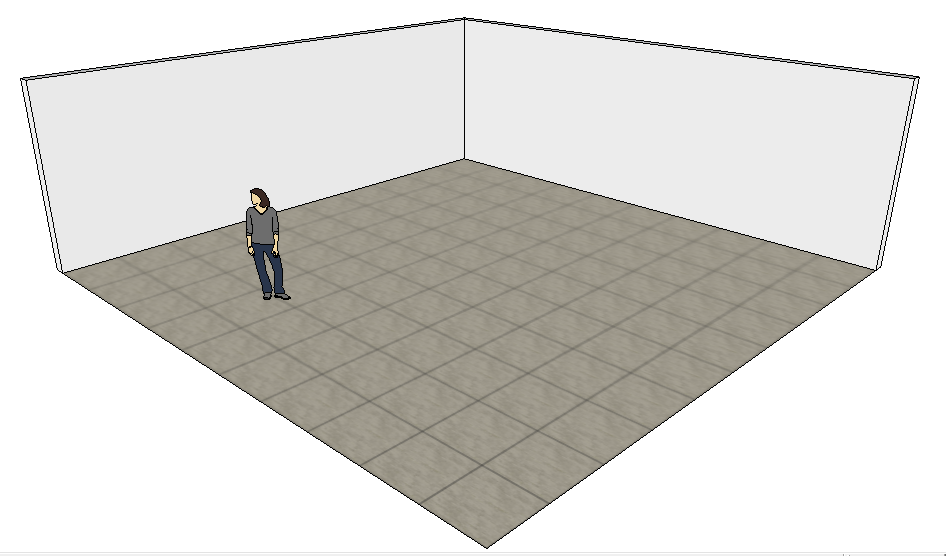
Select the material with the eyedropper and apply it to the floor.
Now that you know how to create flooring with grout, here you can also learn how to calculate areas in SketchUp.
Would you like to deepen your knowledge of modeling and organizing projects in SketchUp? Explore EBBIM’s Curso SketchUp Pro do Básico ao Avançado. The training covers modeling sites and buildings, components, materials and scenes, complementing the topic of this post.




















