How to Use More Than One Section Plane in the Same Model
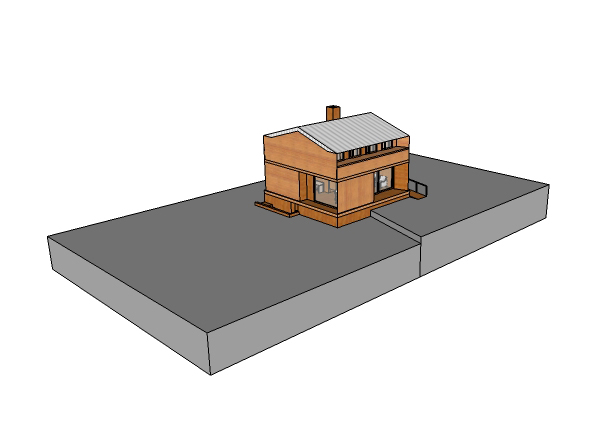
The Section Plane tool is a powerful SketchUp feature. In real time you can cut your model at any position or angle. You can create as many section planes as you like; however, SketchUp only allows one plane to be active per context. To use two simultaneous cuts, the tip is to group the model together with the section plane, and apply a new section plane outside the group.
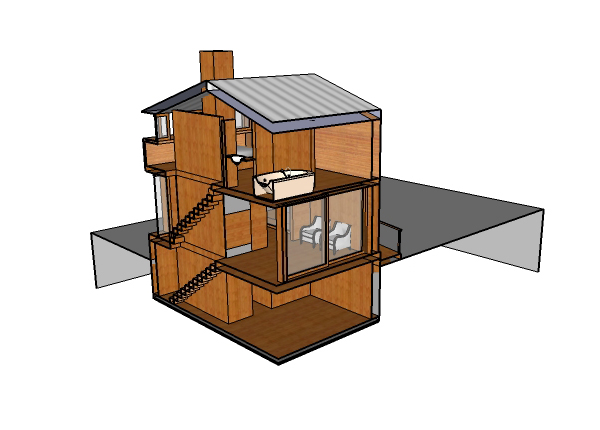
To use simultaneous section planes, create the first section plane and position it where you want.
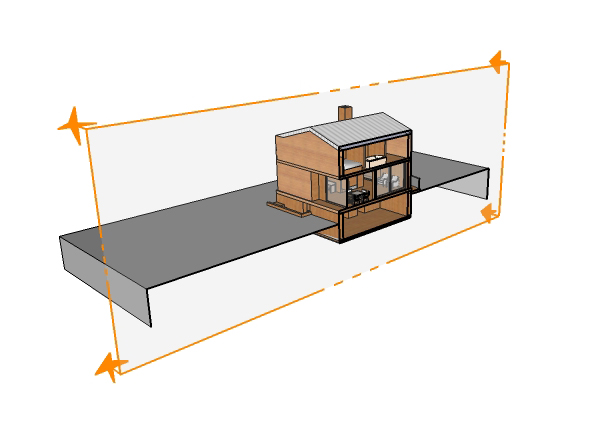
To prevent part of the model from being left out of the cut, double-click the section plane to deactivate it. Select the model and the section plane and group them together. Then create a new section plane. Edit the group to activate the first section plane.
Notice the model with two simultaneous section planes.
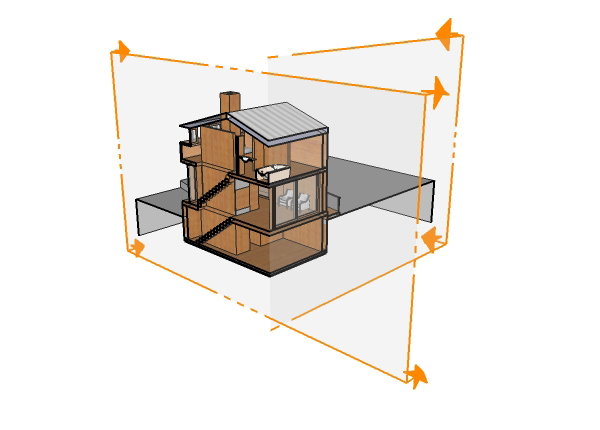
You can use the double cut as a presentation feature for your project, allowing for a better understanding of the interior of your model.
Would you like to deepen your knowledge of modeling and organizing projects in SketchUp? Explore EBBIM’s Curso SketchUp Pro do Básico ao Avançado. The training covers modeling sites and buildings, components, materials and scenes, complementing the topic of this post.




















