Sun path diagram in SketchUp Pro with the Curic Sun extension
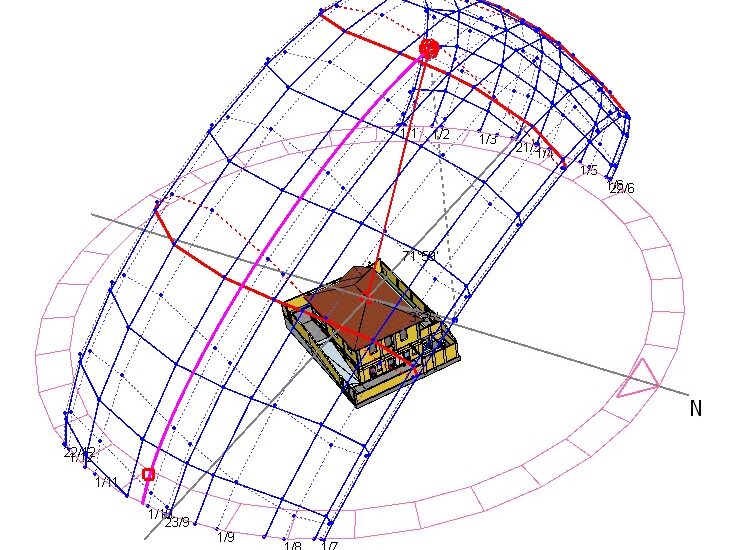
A sun path diagram is the name given to a graphic representation of the sun's apparent paths across the celestial vault throughout the day at different times of the year, identified by plotting solar azimuth and altitude onto a given plane (PROJETEEE, 2021). With a sun path diagram, it becomes practical to obtain the information needed to assess how sunlight penetrates through the building's openings and to evaluate the shadows cast by the surroundings, with the goal of defining the project's orientation and the solar protections needed for its openings (PROJETEEE, 2021).
SketchUp Pro has features for developing a geolocated project, but there is no native sun path diagram tool, as exists in other software, such as Autodesk Revit. This gap was filled by the Vietnamese architect and programmer Võ Quốc Hải, developer of excellent SketchUp extensions known as Curic. The Curic Sun extension (figure 1), released in 2017, installs a sun path diagram in SketchUp Pro and can be obtained for free from the Extension Warehouse.
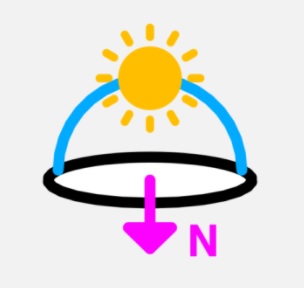
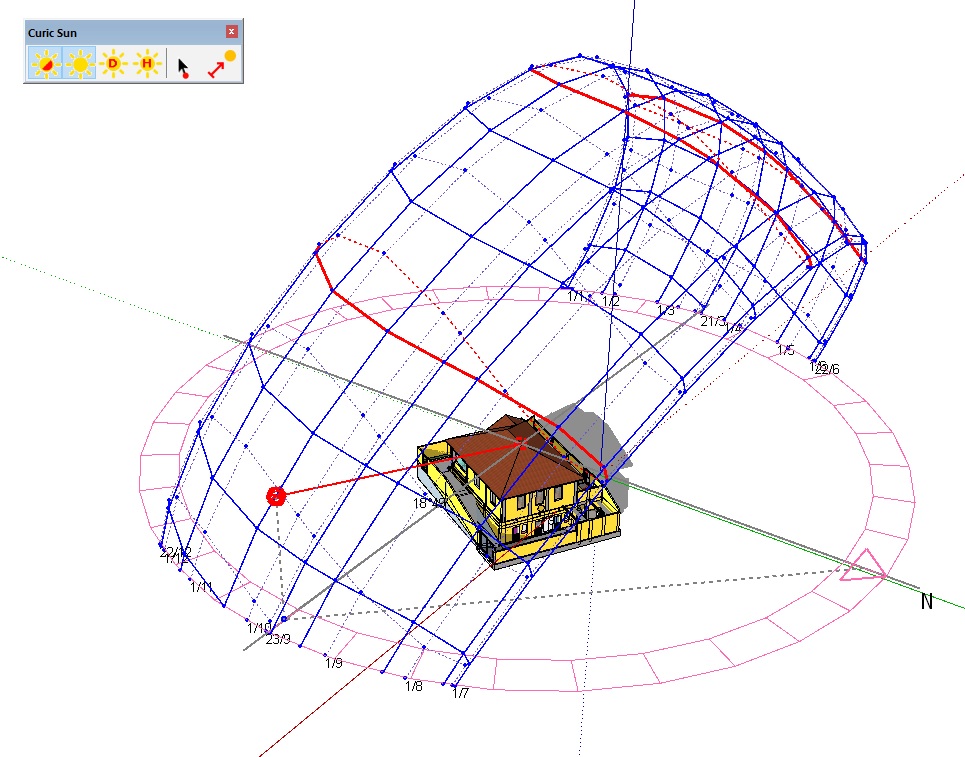
Using the Curic Sun extension's tools is quite intuitive. Once Curic Sun is installed, its toolbar appears on screen. For the sun path diagram to appear, as shown in figure 2, just click the toolbar's second button, called Show Sun.
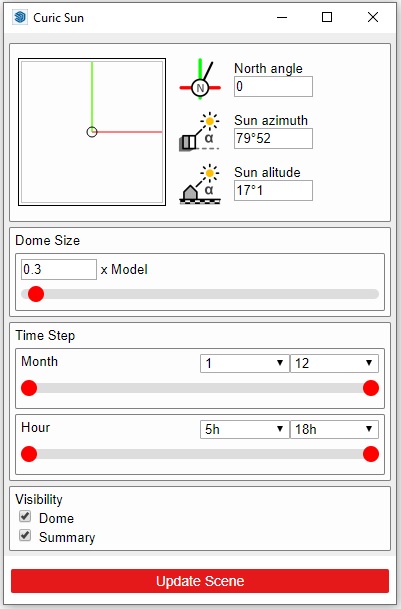
At the same time the sun path diagram appears, a window also opens so you can get information and make adjustments, as detailed below and shown in figure 3:
- North angle: enter a value here to change the North direction. If you've already geolocated the model, you won't need to change this value.
- Sun azimuth and Sun altitude: these fields show the sun's azimuth and altitude values, represented on the sun path diagram by the red sphere. You can type values into the fields to move the sphere, or you can click on the dome, and the values will update.
- Dome Size: here you can control the scale of the dome.
- Time Step (Month and Hour): use the sliders, under Month and Hour, to set the range of the dome's representation.
- Visibility: click Visibility to toggle the dome's visibility on and off, and click Summary to control the visibility of the text that helps explain the sun path diagram's information.
- Update Scene: clicking this button saves the shadow settings and the dome's positioning to whichever scene is currently selected in the Scenes panel.
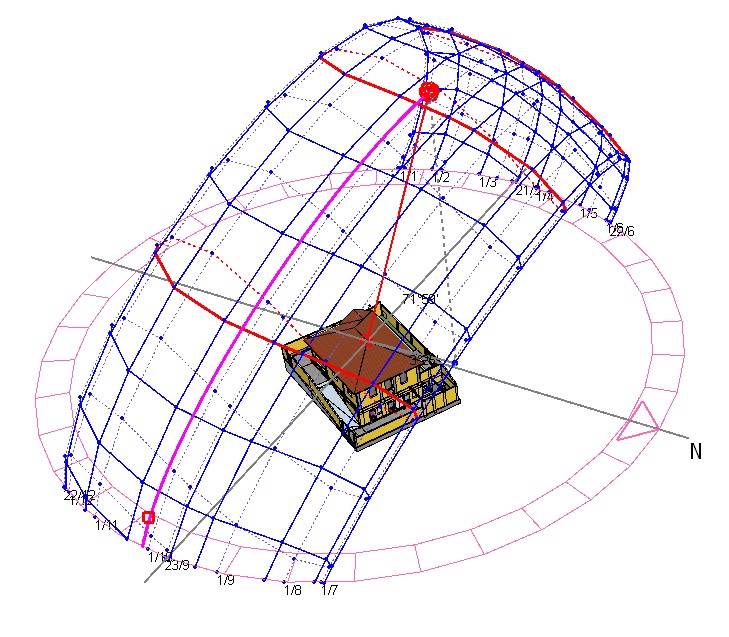
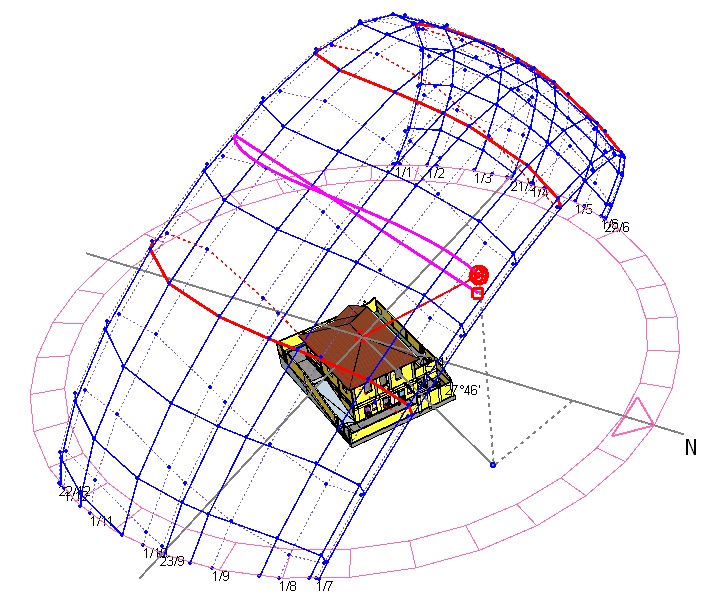
In addition to the features offered by the window described above, Curic Sun has tools that create animations of the sun's path across (a) a range of hours in a single day (button D, Test Day) and (b) a range of days at the same hour (button H, Test Hour). Figures 4 and 5 show results of animations generated by the two methods.
Based on the tests with the Curic Sun extension, it's clear that its tools are very efficient, easy to use, and deliver the technical results expected by architects and designers. So, for anyone who needs a sun path diagram, Curic Sun is an indispensable add-on for SketchUp Pro!
Would you like to deepen your knowledge of modeling and organizing projects in SketchUp? Explore EBBIM’s Curso SketchUp Pro do Básico ao Avançado. The training covers modeling sites and buildings, components, materials and scenes, complementing the topic of this post.




















