Does Vectorworks have an object library?
The course Vectorworks para Arquitetura e Interiores is not currently active. On its store page, you can complete a form to request information about a possible return.
Originally published in 2018. References to events, registration, prices and professional profiles in this part of the post belong to that period. EBBIM, Empresa Brasileira de BIM, was known as TI Lab at that time.
In this video, the architect and director of EBBIM talks about how to acquire object libraries in the Vectorworks program.
One of the most common questions when choosing a software to work with is whether the program offers a large library of objects. Libraries don't define the quality of a project, but they are an important resource for speeding up work and improving presentation.
Besides Nemetschek's own program already coming with a large library, there are many websites that offer objects for Vectorworks. One example is BIMobject.com, with more than 600 objects available for download. Another portal mentioned by the architect is Modlar, which has objects from several different suppliers and brands.
Vectorworks imports objects from other CAD software
There is also another interesting feature: the software imports objects from SketchUp, AutoCAD 3D, 3D Studio Max, and Rhino. This makes the range of available objects quite diverse and extensive. Since the video was recorded in September 2016, João Gaspar mentions that the 2017 version of Vectorworks will also have the feature of importing objects from Revit.
So, when it comes to libraries, Vectorworks users can rest easy. The number of options for downloading symbols (as objects are called in Vectorworks) is large and varied! In addition, you can also create your own library, with symbols drawn by you, as we explain here in this step-by-step guide on the blog.
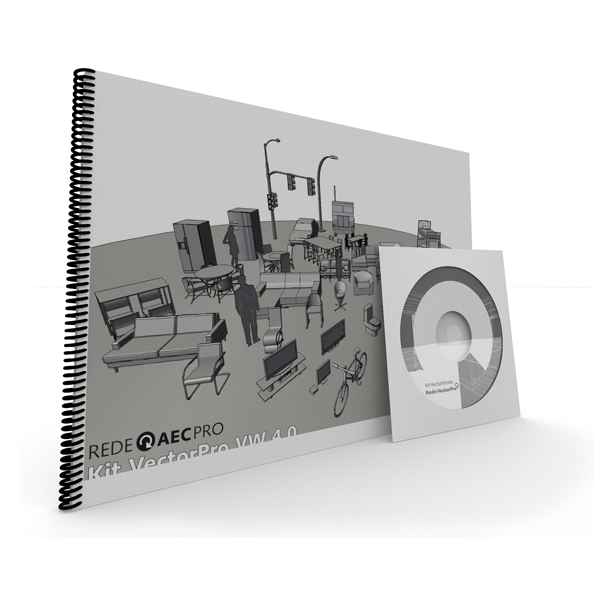
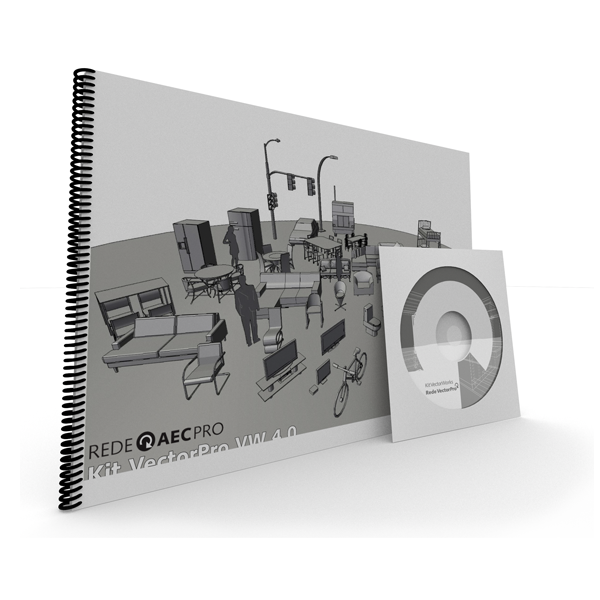
Also check out the ProBooks Editora website for products related to the program. Besides a library with more than 600 objects, there are also plugins, books, a texture library, courses, and other items.
Interested in the topic? Don't forget to watch the video! :)




















