Make a Staircase Using Multiple Copies (Array)!
A very important SketchUp tip that everyone should know, because it saves a lot of modeling time, is how to make multiple copies (array) in SketchUp.
A really cool application of this tool is making staircases:
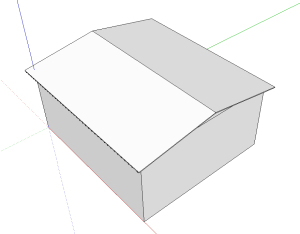
Draw a rectangle and extrude it with the Empurrar/Puxar (Push/Pull) tool; select the whole step and press the G key to create a component.
Select the component; use the Mover/Copiar tool (holding the Ctrl key) and make a diagonal copy, as shown in the image.
Right after clicking to complete the copy, type the number of copies you want to make, followed by the letter X or an * (asterisk), and press Enter.
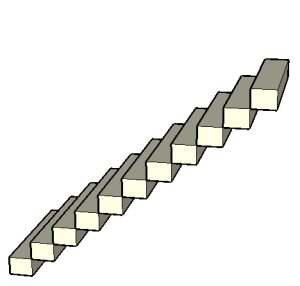
Done — your staircase made with multiple copies is complete.
Would you like to deepen your knowledge of modeling and organizing projects in SketchUp? Explore EBBIM’s Curso SketchUp Pro do Básico ao Avançado. The training covers modeling sites and buildings, components, materials and scenes, complementing the topic of this post.




















