Animate Section - Animation for Sectioning Models
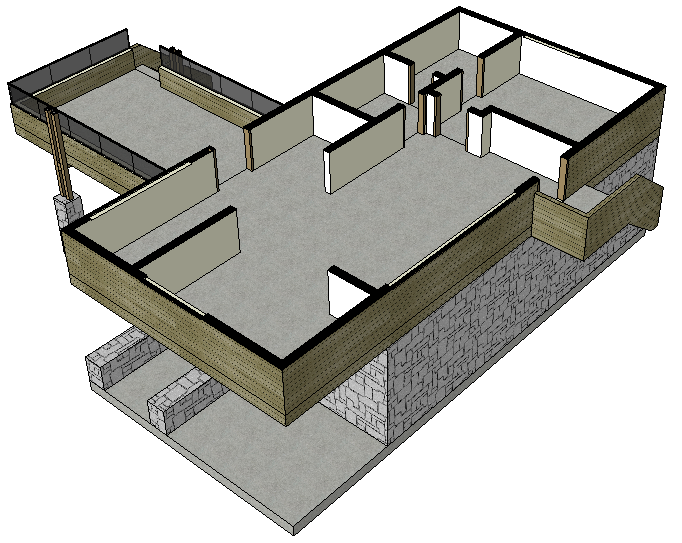
The Animate Section plugin, developed by the SketchUp user known only as CMD, automatically creates an animation that sections groups of selected objects. It can be found for free download in the Extension Warehouse.
To section in the horizontal plane, select the object and then click the Animate Up button.
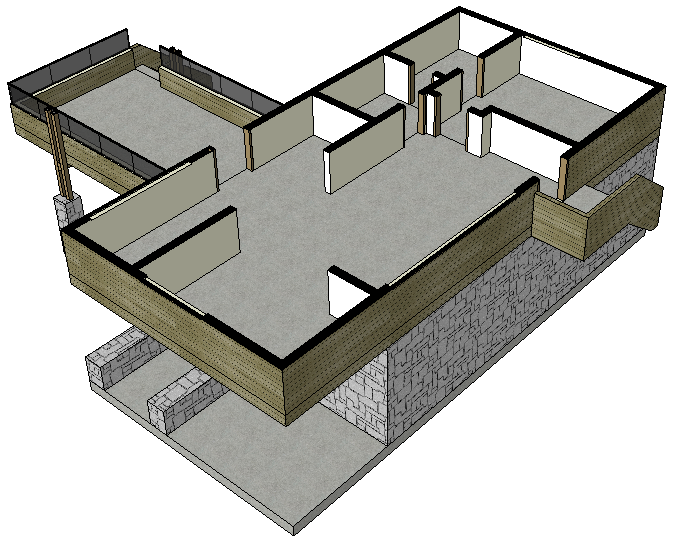
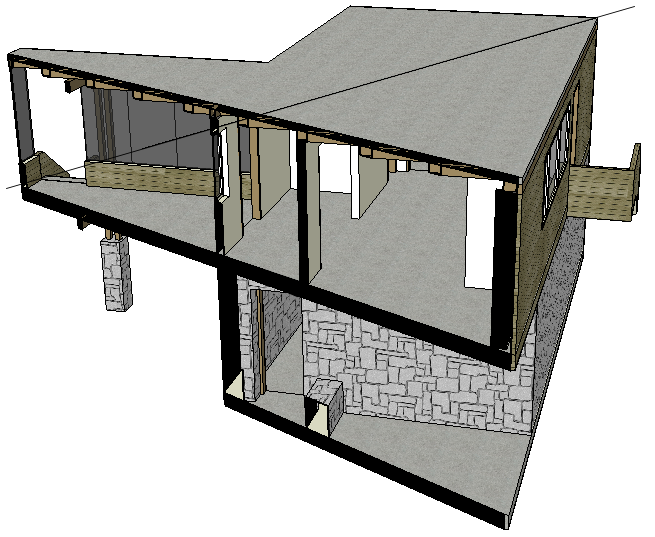
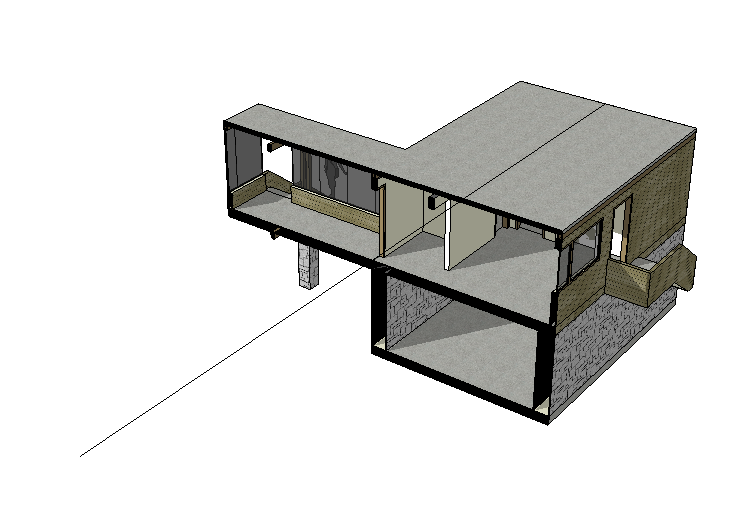
To section in other directions, you need to create a reference line. Create a line, then select it and also select the object to be cut. Next, click the Animate by Vector button to section perpendicular to the reference.
Bibliographic reference:
GASPAR, João. SketchUp Pro Avançado. São Paulo: ProBooks, 2015.
Available at Editora ProBooks
Would you like to deepen your knowledge of modeling and organizing projects in SketchUp? Explore EBBIM’s Curso SketchUp Pro do Básico ao Avançado. The training covers modeling sites and buildings, components, materials and scenes, complementing the topic of this post.




















